Pixel Factory Mode and Fastboot OEM Commands: Evidence Guide
Internet repair guides circulate several fastboot oem commands described as ways to enable, query, or clear a Pixel “factory mode.” Google does not document those commands as a public, generation-wide repair interface. Bootloader OEM commands can change or disappear between models and builds, and an OKAY response does not prove that a persistent device state changed.
This reference explains how to assess a command claim. It intentionally does not provide a sequence that cycles through undocumented commands.
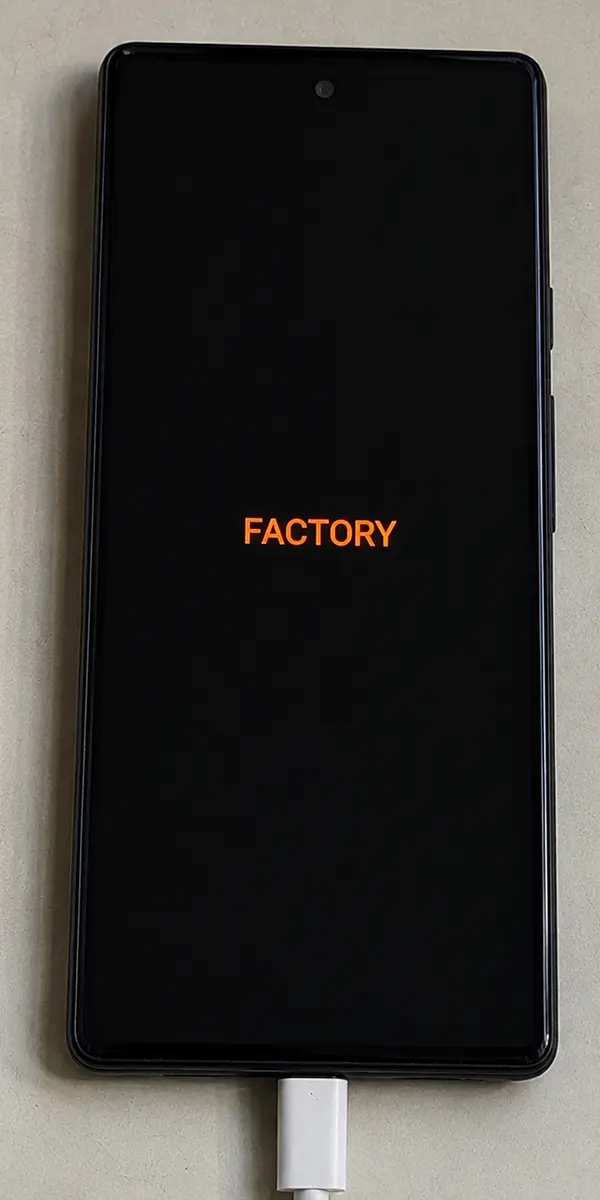
What “factory mode” may mean
The phrase can refer to different things: a manufacturing test application, a bootloader flag, a modem calibration state, an Android property, or simply a label used by a third-party tool. These states do not necessarily use the same storage or command interface. None of them should be assumed to rewrite an IMEI, restore calibration, repair a radio, or fix a boot failure.
Radio OFF, No Service, and an Airplane Mode loop are symptoms. They can also result from mismatched firmware, unreadable modem data, carrier provisioning, policy, or hardware damage. Start with the Pixel 6 radio diagnostic guide before selecting a write operation.
Evidence required for an OEM-command claim
A reproducible command report needs all of the following:
| Evidence | Why it matters |
|---|---|
| Exact retail model and codename | A family name such as “Pixel 8” is not a bootloader target |
| Bootloader version and Android build | OEM dispatch behavior can change with firmware |
| Platform Tools version | Host-side parsing and transport bugs also change |
| Complete command and unedited output | A screenshot of OKAY omits warnings and the actual target |
| State before and after the command | Acceptance and state transition are separate observations |
| Result after a cold reboot | A volatile result is not a persistent repair |
| Cellular and boot validation | A changed flag does not prove that the reported symptom is fixed |
Redact device serial numbers and IMEIs before sharing logs.
Safe public fastboot checks
Install current Android SDK Platform Tools, enter the bootloader, and confirm transport with:
fastboot devicesYou can capture standard bootloader variables without writing a partition:
fastboot getvar product
fastboot getvar current-slot
The exact variables exposed are bootloader-dependent. Save the complete output. Do not assume that fastboot oem device-info exists or that it reports a factory-mode field; verify that behavior on the exact build under test.
Treat undocumented write commands as unverified
Names such as enable_factory_mode, startfactorymode, disable_factory_mode, clear_factory_mode, and factory_mode off appear in community material. off-mode-charge is also sometimes presented as a factory-mode repair even though its name refers to off-mode charging. Without model/build documentation or a reproducible trace, these strings are leads for controlled research, not universal instructions.
Do not run every proposed command until one returns OKAY. An unknown OEM handler may behave differently from its name, and a third-party wrapper may send additional commands. Capture USB or console logs, or inspect an auditable script, before attributing a change to one button.
How to verify a controlled test
For an owned test device with recoverable data:
- Back up user data and any available original-device service data.
- Record the model, build, bootloader, active slot, baseband, and initial symptom.
- Run only the single operation being evaluated.
- Save the full output, including failures.
- Re-query the same observable state without relying on the tool’s status label.
- Cold-boot twice and test boot integrity, Airplane Mode, IMEI readability, SIM/eSIM registration, calls, and mobile data.
- Restore the exact model-matched official image if the test leaves the software state uncertain.
Unlocking or relocking the bootloader erases user data. Relock only after a complete official image boots normally. Google’s factory-image page contains the official flashing warnings and model-specific packages.
Toolkit interfaces
The Google Pixel Technicians Toolkit V3 page records a Disable Factory button. The presence of that control does not establish the underlying command, supported builds, or outcome. Record the tool version and hash, verify its provenance, and compare the commands it sends with the result on the exact device.
Video record
A command should be described as supported only after the exact test matrix and persistent result are recorded. If the modem is absent, calibration data is damaged, or a board-level component has failed, a bootloader flag cannot substitute for model-specific service diagnostics.