Pixel 7–9 and Fold Network Tool: Diagnostic Scope and Limits
This page records a third-party archive described as a Pixel Network Diagnostic Tool. The available mirror does not establish its publisher, safety, command set, or support for Pixel 7, 8, 9, and Fold variants. A model name in an interface is not an exact build and operation test.
Network loss, SIM errors, an unknown baseband, an unreadable identifier, and a boot failure are different symptoms. They should not be attributed to a “RIL desynchronization” or repaired by an automated reset without logs that establish the cause.
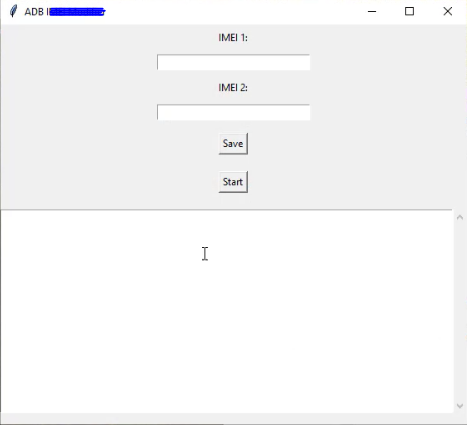
Establish the exact test boundary
Record the retail model, codename, Android build, security patch, baseband, carrier, SIM/eSIM state, boot state, Platform Tools version, archive source and hash, executable signer, and complete console/ADB log. Pixel generations and Fold variants use different hardware and firmware; no family-wide support is claimed.
A user-authorized ADB connection can expose Android shell commands. It does not provide unrestricted modem or calibration access, prove that root is unnecessary for every operation, or show that an executable is read-only.
Security review
Do not add a folder exclusion or disable endpoint protection. VirusTotal results and a file hash help identify a sample; they do not prove that it is safe. If the publisher and executable cannot be authenticated, do not run it on a workstation containing personal or customer data.
The historical MEGA archive, password gsm6.com, “2025.05” label, approximate size, and interface screenshots are archival details only. They do not establish authorship, licensing, current availability, or compatibility.
Controlled observation
- Use an owned test device and back up important data.
- Install current Android SDK Platform Tools.
- Review or monitor every command the utility sends.
- Record the device state before running a single diagnostic action.
- Stop if the tool attempts an undocumented write, requests a bootloader unlock, or changes a partition.
- Verify baseband, original identifiers, SIM registration, calls, SMS, data, Wi-Fi, and behavior after two cold boots.
A button labeled “scan,” “sync,” or “repair” is not evidence of its implementation. A tool success label does not prove persistent network recovery. Hardware and carrier faults remain separate possibilities.
Video record
No claim is made that the archive repairs CPID, IMEI, calibration, carrier provisioning, or hardware faults. Those claims require operation-specific evidence beyond an ADB connection.